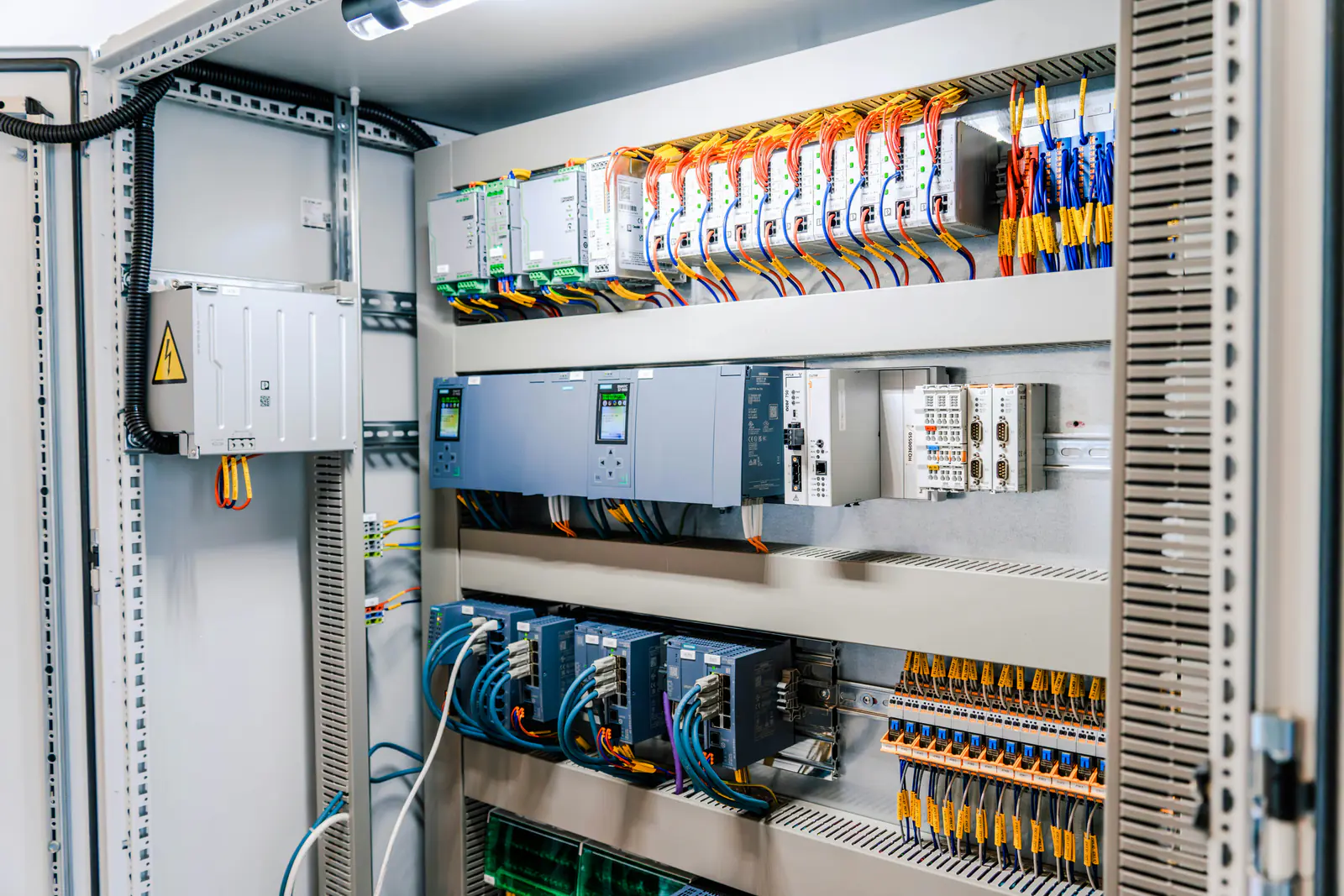
Every automation platform eventually stops being sold new. The trouble is that the news usually arrives the day a module fails and the distributor says “no longer available”. Many manufacturers publish a lifecycle status for each catalog number well before that point, and reading it early is the cheapest insurance a maintenance department has. This guide explains the statuses using Rockwell Automation's definitions (the maker of Allen-Bradley hardware) and Siemens' lifecycle milestones, and links our family pages with the status of each common part.
Key takeaways
- Rockwell Automation uses four statuses: Active, Active Mature, End of Life and Discontinued.
- End of Life means a discontinued date has been announced – it is the window for a last-time buy.
- Siemens uses numbered milestones instead: after Product cancellation (PM410) a part is sold only as a spare.
- Check the status of every catalog number you depend on, not just the processor: modules in the same family can have different dates.
- Our lifecycle pages list the manufacturer's own status, date and source link for each part, and say when we checked.
The four lifecycle statuses, in plain English
Rockwell defines its statuses on its product lifecycle status page. In our words:
| Status | What it means | What a maintenance team should do |
|---|---|---|
| Active | The current product in its category. | Nothing special: buy and stock as usual. |
| Active Mature | Still fully supported, but a newer product or family exists. | Start planning. Put the platform on the migration list and keep spares for critical machines. |
| End of Life | A discontinued date has been announced; the product can generally still be ordered until then, though some items can run short earlier. | Decide on a last-time buy before the date, and schedule the migration. |
| Discontinued | No longer made or bought in new. Repair or exchange services may still be offered, and some limited stock may remain in places. | Rely on spares, surplus and repair, and migrate on your own schedule rather than during an outage. |
Rockwell sums up the End of Life stage as the time to
“actively execute migrations and last time buys”
– Rockwell Automation, Product Lifecycle Status, checked September 29, 2026
Other manufacturers use different names – “phase-out”, “mature”, “obsolete” – but the stages are similar. Our guide to sourcing obsolete parts covers the general terms.
Siemens' lifecycle milestones
Siemens marks each order number with a numbered milestone, shown in abbreviated form on its SiePortal product pages and described in its product lifecycle description and its S7-300 phase-out notice. In our words:
| Siemens milestone | What it means |
|---|---|
| Phase-out announced (PM400) | Still sold new, but no longer actively marketed. |
| Product cancellation (PM410) | No longer sold as a new part; available as a spare part or through repair. |
| Product discontinuation (PM490) | Can no longer be ordered; warranty cases only. |
| End of product lifecycle (PM500) | No spare parts, repairs or product advice from Siemens. |
Lifecycle pages by product family
Each page lists the status, discontinued date and, where the manufacturer names one, the replacement for the common catalog numbers in that family, with a link to the manufacturer's page for every line and the date we read it.
| Product family | Catalog numbers | In short |
|---|---|---|
| Allen-Bradley SLC 500 | 1746, 1747 | Every SLC processor, chassis and power supply we checked is discontinued; the EtherNet/IP adapter is End of Life; the battery is still Active Mature. |
| Allen-Bradley PowerFlex 4 and PowerFlex 40 | 22A, 22B | Every PowerFlex 4 (22A) and PowerFlex 40 (22B) catalog number we checked is discontinued as of June 30, 2025; Rockwell names a PowerFlex 523 or 525 replacement for each. |
| Allen-Bradley PLC-5 and 1771 I/O | 1785, 1771 | Every PLC-5 processor and 1771 module, power supply and wiring arm that still has a Rockwell product page is discontinued; many older numbers have no page left. |
| Allen-Bradley MicroLogix 1000, 1200 and 1500 | 1761, 1762, 1764 | MicroLogix 1000, 1200 and 1500 controllers are discontinued; the 1762 expansion I/O and the 1761 programming cables we checked are still Active Mature. |
| Allen-Bradley PanelView Plus 6 (600 to 1500) | 2711P | Every PanelView Plus 6 terminal, display and logic module we checked is discontinued; Rockwell names a PanelView Plus 7 replacement for the 700 to 1500 terminals. |
| Allen-Bradley PowerFlex 70 | 20A | Rockwell is ending sales of most PowerFlex 70 drives: some catalog numbers are already discontinued, others are End of Life with dates in 2026 and 2027. |
| Siemens SIMATIC S5 and S7-300 | 6ES5, 6ES73, 6ES7153 | The S5 reached the end of its product life cycle in 2020; S7-300 and ET 200M modules have been spare parts only since October 1, 2025. |
We add a family only when we can read its status on the manufacturer's own site. If yours isn't listed, check it yourself as below, or send us the catalog number.
How to check any catalog number yourself
- Read the full catalog number from the nameplate, including any suffix, plus the series and firmware. Our guide to reading Allen-Bradley catalog numbers shows where each part sits.
- Look it up on the manufacturer's site. For Rockwell, the product lifecycle search and each product's own page show the status, the discontinued date and often a named replacement. For Siemens, the order number's SiePortal page shows its milestone and any successor.
- Record what it says and the date you checked, with the link. Statuses move, and “we checked in March” is more useful than “I think it's obsolete”.
- Check the whole system, not only the controller: I/O, power supplies, network cards, cables, HMIs and drives often have their own dates.
- Recheck once a year, and whenever you plan a budget, so End of Life notices don't slip past.
Be wary of status claims on reseller and distributor pages, including ours: they can be out of date or apply to a different catalog number. The manufacturer's notice is the one that counts, which is why every line on our lifecycle pages links to it.
What to do at each stage
Active Mature: plan while it's cheap
Nothing is urgent, which makes this the best time to list the systems on the platform, estimate a migration and keep modest spares.
End of Life: decide on a last-time buy
Count the spares each critical system needs for the years you expect to keep it, and buy before the discontinued date. Book the migration while new hardware for the replacement is easy to get.
Discontinued: spares now, migration on your schedule
New units are gone from the manufacturer, so surplus, used and repaired parts are the supply. Buy spares for the machines you can't afford to lose, back up every program and parameter set, and run the migration at planned shutdowns. Our SLC 500 migration guide and PowerFlex 40 to 525 guide are worked examples; the PLC-5, MicroLogix and S5 and S7-300 pages each end with a plan.
Safety first: work on electrical equipment only by qualified personnel, following your site's lockout/tagout procedure and the manufacturer's instructions. Verify the absence of voltage with a properly rated meter before touching conductors.
How we can help
We stock surplus industrial parts and source what we don't have. Search our store by the catalog number – every item we stock is photographed, so you can read the label before you buy. For discontinued parts, the obsolete parts quote page takes a single catalog number; a spares list or bill of materials goes through our ISO list form and gets an official written quote in under 24 hours on business days. Purchase orders are welcome; payment is due before we ship.
Frequently asked questions
What is the difference between End of Life and Discontinued?
In Rockwell Automation's lifecycle terms, End of Life means a discontinued date has been announced and the product can generally still be ordered until that date. Discontinued means the product is no longer made or bought in new; repair or exchange services may still be offered for a while.
Where do the statuses and dates on these pages come from?
From the manufacturer's own product page for each catalog number, read on the date shown on the page. We do not use distributor lists. Statuses can change, so check the manufacturer's current page before you make a buying or migration decision.
Does Discontinued mean I can't get the part?
No. It means the manufacturer no longer sells it new. Surplus, used and repaired units are often still around, and we stock and source them. It does mean the supply only shrinks from here, so plan spares and a migration.
What if my product family isn't listed?
Look up the catalog number on the manufacturer's lifecycle page, and send us the number through the obsolete parts quote page. We'll check our shelves and our sourcing network.