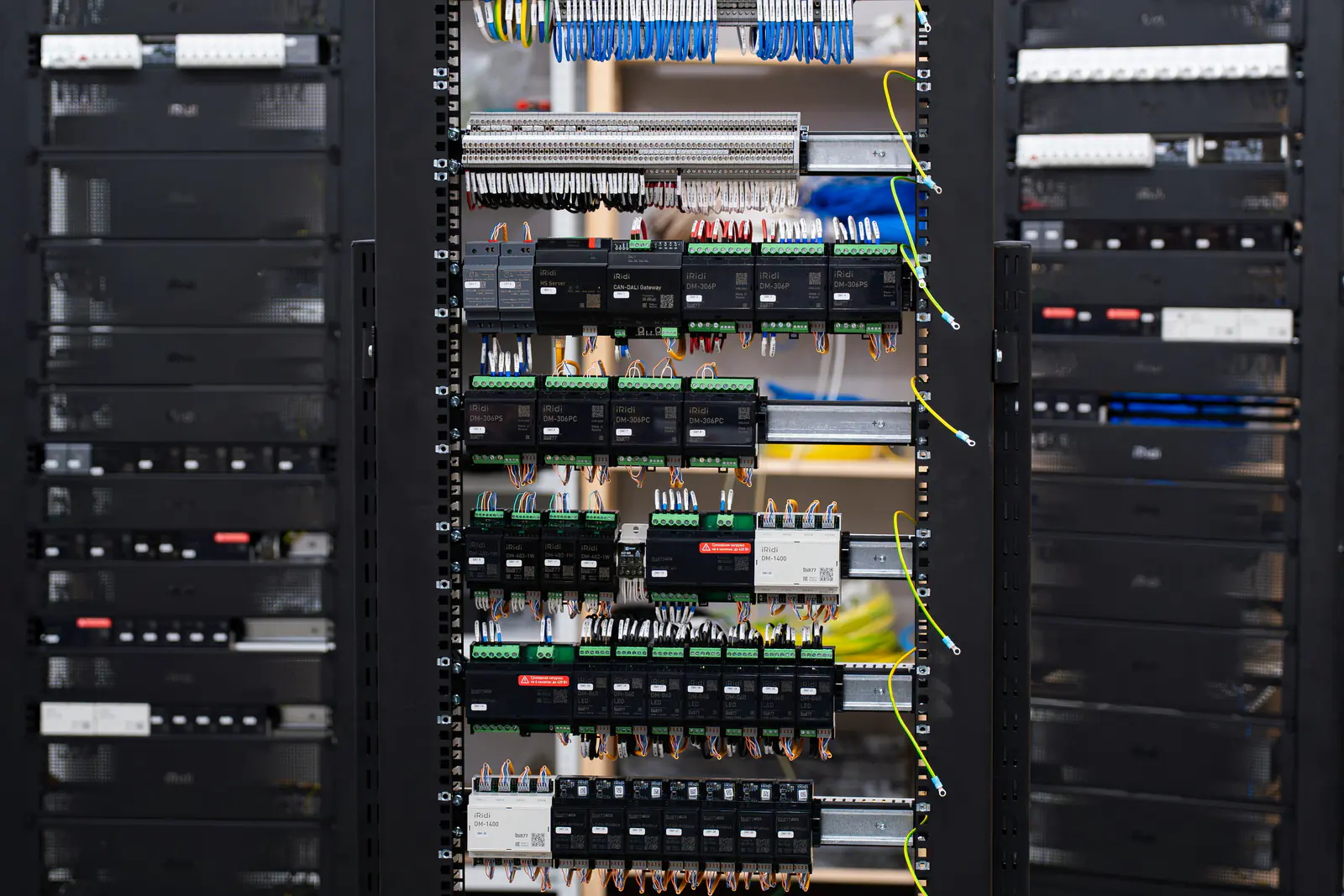
The Allen-Bradley SLC 500 is a modular, chassis-based PLC: 1747 processors and accessories, 1746 I/O modules, programmed with RSLogix 500. It was built into machines and process systems for many years, and plenty of them are still working well. The platform's status changes the question maintenance teams have to answer: not “will it fail?” but “when a part fails, where will the replacement come from – and when do we stop relying on that?”
Key takeaways
- Rockwell Automation lists the SLC 500 family as discontinued; check the lifecycle status of every catalog number you run, not just the processor.
- An SLC system can keep running for years with the right spares, current program backups and fresh memory batteries.
- The usual migration target is CompactLogix, and Rockwell offers program-conversion tools and ways to reuse existing I/O and wiring.
- A phased migration – processor first, I/O later – spreads the cost and keeps each outage short.
Where the SLC 500 stands
Rockwell Automation lists the SLC 500 family as discontinued: it is no longer sold new through Rockwell. Individual catalog numbers can have their own dates and notes, so look up each one you depend on in Rockwell's product lifecycle information. Our guide to obsolete parts explains what the lifecycle terms mean in practice.
Most SLC systems are built around one of these processors. Knowing which one you run tells you which spares, cables and software you need:
| Processor | Catalog numbers | Built-in communication |
|---|---|---|
| SLC 5/01 and 5/02 | 1747-L511, L514, L524 | DH-485 |
| SLC 5/03 | 1747-L531, L532 | DH-485 and RS-232 |
| SLC 5/04 | 1747-L541, L542, L543 | DH+ and RS-232 |
| SLC 5/05 | 1747-L551, L552, L553 | Ethernet and RS-232 |
Option 1: keep it running with spares
For a machine that is expected to retire in a few years, or where a migration can't be justified yet, a good spares kit and good backups are the cheapest insurance. Rank each SLC system by how critical it is and how many identical systems you run, then stock:
- A processor of each type you run, with a series and firmware revision (FRN) that can run your program.
- A power supply that matches the chassis and its load.
- One of each I/O module type, starting with the ones you have the most of and the specialty modules (analog, high-speed counter, motion) that are hardest to find.
- Communication modules such as network scanners and interface modules.
- Memory backup batteries and, if you use them, memory modules.
- A chassis of the most common size, if you run several systems – it doubles as a bench for checking spares.
- A working programming setup: a laptop with RSLogix 500, the communication software and drivers, and the cable or interface for your network.
Backups and batteries
Upload the running program from each processor, compare it with the office copy, and store both with a date and the processor's firmware revision. On processors that keep their program in battery-backed memory, a dead battery during a power-down can mean a blank processor at restart, so replace batteries on a schedule rather than waiting for the warning light. A memory module holding a copy of the program adds another layer of protection.
Buying SLC spares as surplus
With no new units coming from Rockwell, surplus and repaired units are where SLC hardware comes from. Search by the base catalog number – for example 1747-L542 or 1746-OW16 – and read the series and firmware on the label in the photos. Our guide to series letters and firmware explains what to look for, and condition grades explains what new surplus and used mean.
Safety first: change SLC modules only with chassis power off, following the manufacturer's instructions and your site's lockout/tagout procedure. Field wiring on I/O modules can carry voltage from other sources even when the PLC is off – verify before you touch it.
Option 2: migrate to CompactLogix
Rockwell's migration path for SLC 500 users is CompactLogix, programmed in Studio 5000 Logix Designer. CompactLogix controllers with 1769 Compact I/O are the classic target; newer CompactLogix controllers use Compact 5000 I/O instead. Check the lifecycle status of the target hardware too – there is little point migrating onto a platform that is already near the end of its own life.
The program
Rockwell provides a conversion tool that translates an RSLogix 500 program into a Logix project. Treat the result as a first draft, not a finished program. SLC file addresses such as N7:0 or B3:0/5 become tags, some instructions convert differently, and communication, timing and indirect addressing need a careful review. Budget engineering time for cleanup and testing.
The I/O and the wiring
Rewiring hundreds of field wires is often the most expensive and riskiest part of a migration. Rockwell and third parties offer ways to reduce it:
- Keep the SLC I/O for now. An EtherNet/IP adapter in the SLC chassis (such as the
1747-AENTR) lets a Logix controller use the existing1746I/O. Confirm that every module in the chassis is supported. - Wiring conversion systems. Conversion modules and pre-wired cables connect the existing field wiring to the new I/O, so individual wires don't have to be re-terminated. Check which modules a kit covers.
A phased plan
- Inventory every SLC system: processor, modules, networks, HMIs and anything that reads data from the PLC.
- Choose the target controller, I/O and network, and check their lifecycle status.
- Convert and review the program offline, then test it as far as you can before the outage.
- Phase 1: replace the processor, keep the SLC I/O through an adapter, and update HMIs and other devices that address the PLC.
- Phase 2: replace the I/O, using wiring conversion where it fits, at a later planned shutdown.
- Keep a way back: leave the old hardware and program intact, with spares, until the new system has proven itself.
Spares or migration? A quick comparison
| Factor | Keep running on spares | Migrate to CompactLogix |
|---|---|---|
| Cost now | Lower – spares and backups | Higher – hardware, engineering, testing |
| Downtime to implement | Little or none | One or more planned outages |
| Future parts supply | Surplus and repair only | Current products |
| Networking and software | Legacy networks and RSLogix 500 | EtherNet/IP and Studio 5000 |
| Best when | The machine retires soon or runs reliably | The machine has a long future or failures are costly |
The two options work best together: spares keep the line running while the migration is planned properly. If you need SLC parts now, or a list of them for a spares kit, send us the list – you get one official written quote in under 24 hours on business days from our stock and our sourcing network.
Frequently asked questions
Is the SLC 500 obsolete?
Rockwell Automation lists the SLC 500 family as discontinued, which means it is no longer sold new through Rockwell. Check Rockwell's lifecycle status for each catalog number you run. Existing systems can keep running with the right spares and current program backups.
What replaces the SLC 500?
Rockwell's migration path is CompactLogix, programmed in Studio 5000 Logix Designer. Rockwell provides tools to convert RSLogix 500 programs and options for reusing existing I/O and field wiring during a phased migration.
Can I keep my 1746 I/O and replace only the processor?
Often, yes, as a first phase: an EtherNet/IP adapter in the SLC chassis (such as the 1747-AENTR) lets a Logix controller use the existing I/O. Confirm that every module in the chassis is supported by the adapter before you plan around it.
Which SLC 500 spares should we keep?
At least one processor of each type you run (with a suitable firmware revision), a power supply, one of each I/O and communication module type, memory backup batteries and a current copy of every program.