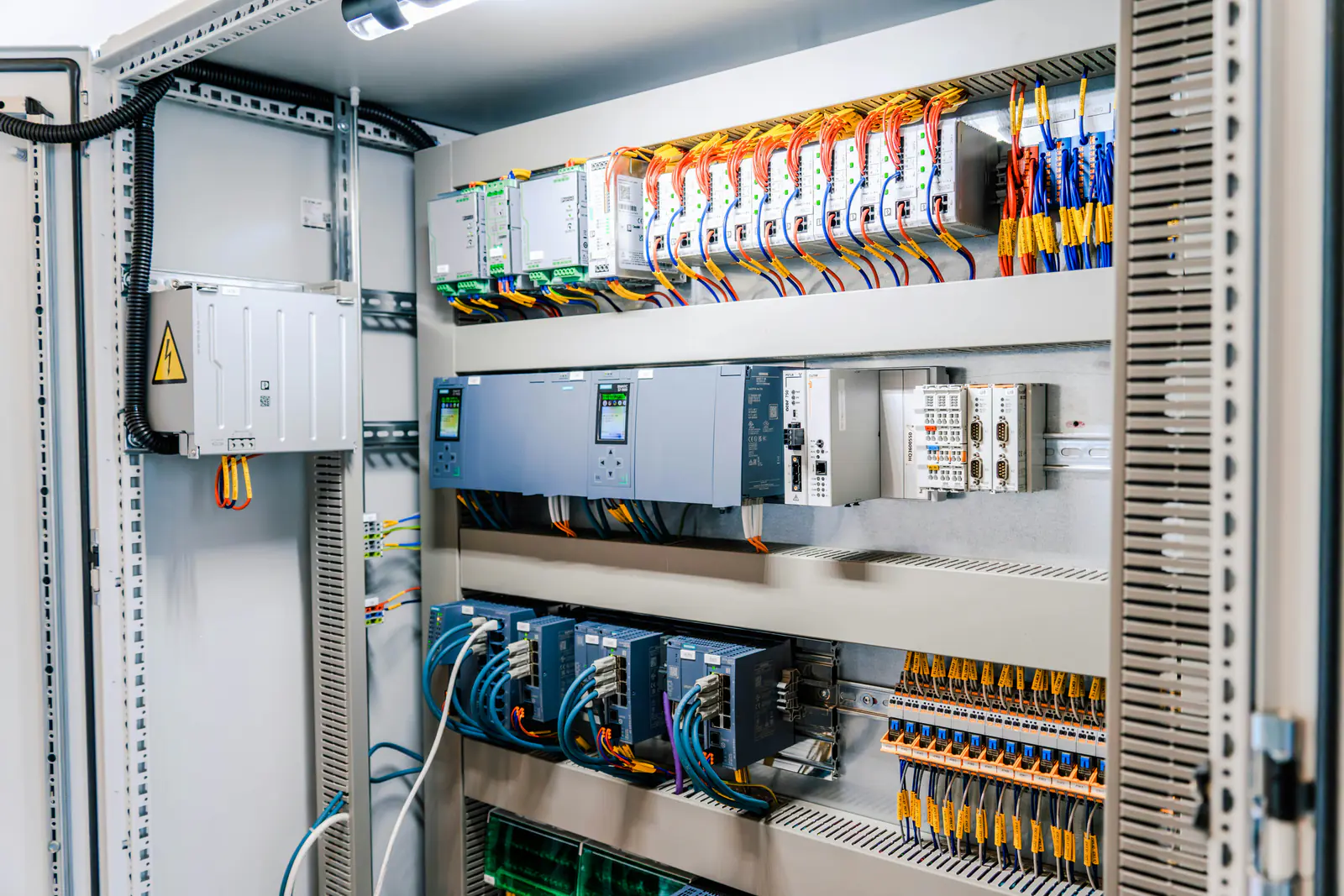
Most plants run equipment that is older than the controls companies' current catalogs. The machines are sound, the programs work, and replacing the whole control system to fix one failed module makes no sense. The problem arrives when a part the manufacturer no longer makes fails and there is no spare on the shelf. This guide covers what to do in the first hours, how to widen the search without losing time, and how to make the next failure a non-event.
Key takeaways
- Get the exact identity of the failed part first: full catalog number, series, firmware and a photo of the label.
- Search in-stock surplus and send the same details to a sourcing partner at the same time – don't run the searches one after another.
- Verify series and firmware compatibility before the part ships, not after it arrives.
- Use the next failure-free month to build a critical-spares list and back up every program and parameter set.
Obsolete, discontinued, end of life: what the terms mean
Manufacturers move products through a lifecycle, and the names vary by company. In general terms, an active product is in full production. A mature product is still sold but a successor exists. End of life or phase-out means a discontinuation date has been announced and a last-time buy may be offered. Discontinued or obsolete means the manufacturer no longer sells it new – though repair services or a replacement product may still be available for a period. Check the manufacturer's lifecycle status for the parts your plant depends on; it tells you how much time you have before “we can't get it” becomes true.
The first hours after a failure
1. Identify the part exactly
Take the failed unit's label as your source of truth, not the drawings or the spare-parts list, which may be out of date. Record:
- manufacturer and full catalog or part number, including suffix letters;
- series and hardware revision;
- firmware revision, if shown or readable from the software;
- anything that affects fit: voltage, current rating, mounting, connectors.
Photograph the label and the whole unit. For Allen-Bradley parts, our guide to catalog numbers and series letters explains what each field means.
2. Confirm it is really the part that failed
Before spending money on an obsolete module, make sure the fault is in the module and not in its power supply, backplane, fuse, cable or field wiring. A failed 24 V supply can look like a dead I/O card. Swapping in a known-good spare, if you have one of anything similar, is the fastest test.
Safety first: work on electrical equipment only by qualified personnel, following your site's lockout/tagout procedure and the manufacturer's instructions. Verify the absence of voltage with a properly rated meter before touching conductors.
3. Search in parallel, not in sequence
Searching one supplier, waiting for an answer, then trying the next wastes the most valuable resource you have: time. Instead, start several searches at once:
- In-stock surplus inventory. Search by part number. Start with the base catalog number (for example 1747-L542) and read each listing's photos for the series.
- A sourcing partner. Send the same details as an ISO (in-search-of) list or RFQ to a supplier with a broad network, so the parts you can't find yourself are being hunted at the same time. Our partner sourcing service returns an official quote in under 24 hours on business days.
- Your own organization. Sister plants, the maintenance storeroom and decommissioned machines often hold the part you need.
- Repair. A qualified repair shop may be able to repair the failed unit. Useful as a parallel track, but rarely the fastest.
4. Verify before it ships
Ask for photos of the actual unit (every item we stock is already photographed), confirm the series and, where it matters, the firmware, and agree what happens if it doesn't work. With surplus, the seller's return policy takes the place of a manufacturer's warranty. Make sure you have the software, firmware files and licenses to configure the replacement when it arrives.
5. Ship it fast and be ready
Pick a shipping method that matches the cost of downtime, and prepare the install while the part travels: the program backup, the parameter file, the firmware, the tools and the person who will do it.
Platform-specific tips
PLCs and I/O
Controllers need a firmware revision that matches the project; I/O modules are usually more forgiving. Keep an offline copy of every program, with comments, somewhere other than the laptop that sits next to the machine. For legacy platforms, stocking one spare of each controller and communication module type often covers most of the risk. See our guides to keeping an SLC 500 running or migrating it and to obsolete Siemens, GE Fanuc and Fanuc parts.
Drives
If the exact drive is not available, a drive with the same voltage class and an equal or higher current rating from the same family may fit, but the parameters, mounting and control wiring may differ. Record the parameter set of every critical drive now – our VFD basics guide covers sizing and replacement, and our PowerFlex 40 to 525 guide works through one common case.
HMIs
An HMI replacement also needs the runtime project file, the right software version to open it and, sometimes, a license. Back up HMI projects the same way you back up PLC programs.
Stop the next failure from being an emergency
- List your installed base: every PLC, drive, HMI and network module, with catalog number, series and firmware.
- Check lifecycle status for each and mark anything discontinued or end of life.
- Rank by risk: how critical the machine is, how many identical units you run and how hard the part is to find.
- Buy spares for the top of the list while they are available, and store them properly, with labels.
- Back up everything: programs, HMI projects, drive parameters and network configurations.
- Plan the migration for platforms where spares are getting scarce. Spares buy time to migrate on your schedule, not during an outage.
If you need several hard-to-find parts at once, send the whole list. One ISO list or RFQ gets one written quote from our own stock and our sourcing network, with the condition of every line stated. For a single part, use the quote form or read how our parts sourcing works.
Frequently asked questions
What is the fastest way to find a discontinued PLC module?
Start with the exact catalog number, series and firmware from the failed unit's label, search in-stock surplus inventories first, and send the same details to a sourcing partner as an ISO list or RFQ at the same time so both searches run in parallel.
Should I buy a used or new surplus replacement?
It depends on urgency and risk. New surplus is unused but may have older firmware; a tested used unit can be just as serviceable. Either way, confirm the series and firmware your system needs and check the return policy.
When should we migrate instead of buying spares?
When spares are getting hard to find, when each failure costs more than you can tolerate, or when the platform can no longer run the software or security updates you need. Spares buy time to plan a migration properly rather than during an outage.
What information should an ISO list include?
Manufacturer, full part or catalog number, series or revision if it matters, quantity, acceptable conditions, need-by date and a delivery location.