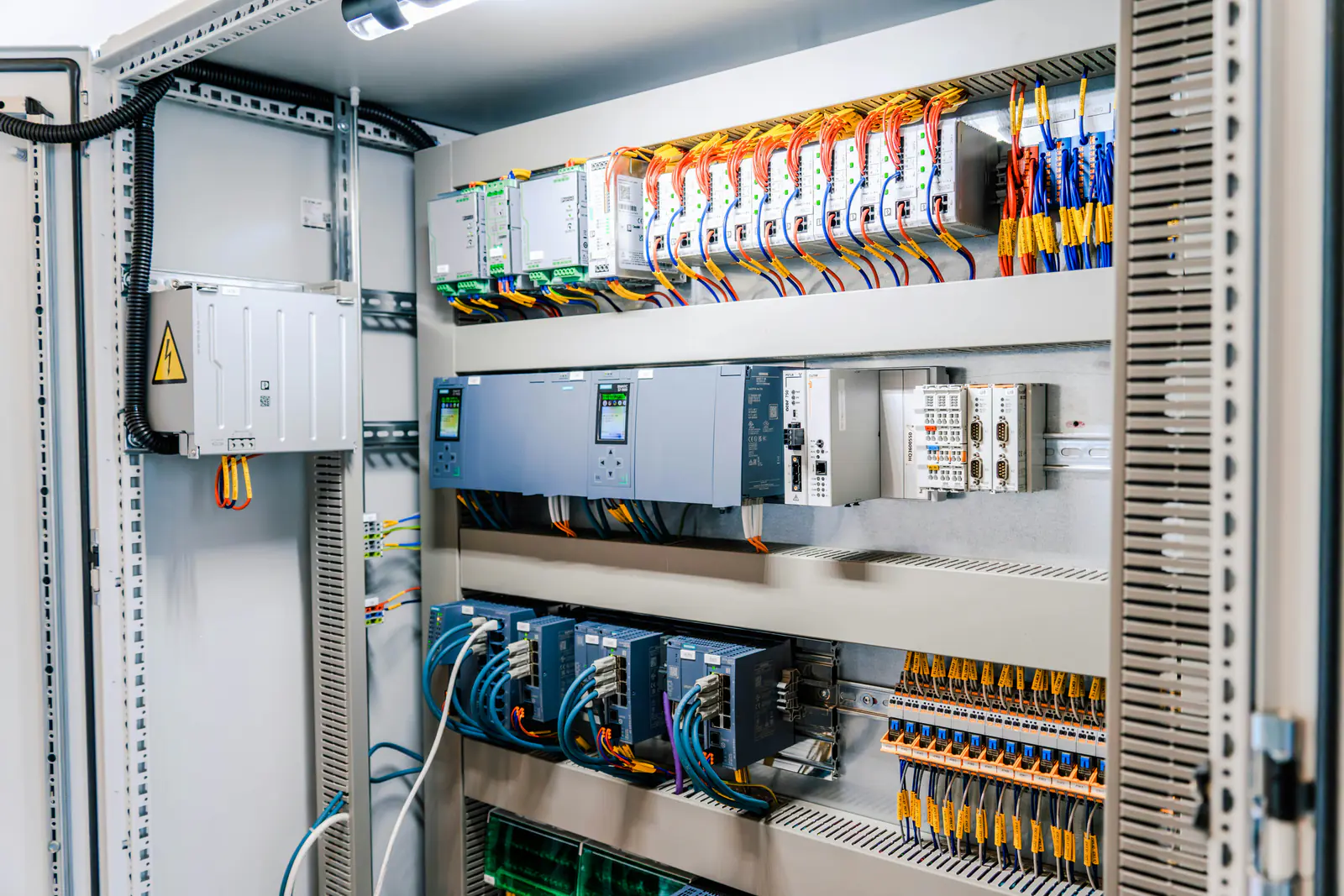
These three names cover a large share of the legacy automation found in plants and machine shops: Siemens PLCs and drives, GE Fanuc PLCs, and Fanuc CNC controls, servo amplifiers and motors. All three identify parts with long, precise numbers, and all three have version details that matter as much as the number itself. The process for finding a discontinued part is the same one we describe in our guide to sourcing obsolete parts; this guide covers what is specific to each brand.
Key takeaways
- Copy the full order or part number from the label, including every suffix: on all three brands, one character can mean a different part.
- Record the version too – Siemens product version and firmware, GE revision letters, Fanuc edition codes.
- GE Fanuc (PLCs) and Fanuc (CNC, servo and robots) are different product lines, so search for them differently.
- Surplus is a common source for these parts; check photos of the actual unit's label before it ships.
Siemens: S5, S7-300 and older drives
Reading a Siemens order number
Siemens identifies products with an order number (often called the MLFB), such as 6ES7 315-2AG10-0AB0. The first block tells you the product range, and every character after it narrows it down to one exact module:
| Prefix | Product range |
|---|---|
6ES5 | SIMATIC S5 PLCs and I/O |
6ES7 2.. | SIMATIC S7-200 and S7-1200 (both use this range – match the full number) |
6ES7 3.. | SIMATIC S7-300 CPUs and I/O |
6ES7 4.. | SIMATIC S7-400 |
6AV | SIMATIC HMI operator panels |
6SE70 | SIMOVERT MASTERDRIVES |
6SE64 | MICROMASTER 4 drives |
6SL3 | SINAMICS drives |
Siemens gives a module a new order number when a design change affects how it is used, so two modules with the same description (“CPU 315-2 DP”, say) but different order numbers can be different generations. Match the whole number, not the description. Our guide to reading Siemens order numbers covers the prefixes, product version and firmware in more detail.
Product version and firmware
Siemens labels also show a product version (the hardware release, often printed as a row of numbers with the current one marked) and, on CPUs and communication modules, a firmware version such as V2.6. The hardware configuration in your STEP 7 project records the order number and the firmware version. A replacement with newer firmware can usually run a project configured for an older version; one with older firmware than the project expects may refuse the configuration.
Many later S7-300 CPUs will not run without a SIMATIC Micro Memory Card, and on those CPUs the program lives on the card. Keep a backup of the card's contents, and check whether a replacement CPU arrives with a card or needs yours.
Lifecycle
The S5 was discontinued many years ago. Siemens has announced the phase-out of the S7-300 and names the S7-1500 as its successor; the S7-200 was succeeded by the S7-1200, and the SINAMICS range succeeds the older MICROMASTER and MASTERDRIVES drives. Check Siemens' lifecycle information for each order number you depend on – our S5 and S7-300 lifecycle status page collects Siemens' own notices and the SiePortal status of common order numbers.
GE Fanuc: Series 90-30 and related PLCs
GE Fanuc Automation was a joint venture between GE and FANUC. Its PLC line later continued under GE and is now part of Emerson, so the same catalog number may carry a GE Fanuc, GE or Emerson label. GE catalog numbers start with IC:
IC693– Series 90-30 CPUs, I/O, power supplies and baseplates (for example IC693 modules);IC697– Series 90-70;IC200– VersaMax;IC695– PACSystems RX3i.
Module labels often add a revision suffix – a letter, or letters after a hyphen – that identifies the hardware revision, and CPUs report a firmware version. Record the whole string. Many 90-30 CPUs keep their program in battery-backed memory, so a current backup and a fresh battery matter as much as the spare itself. Make sure you also have software that can open your program; older 90-30 programs may have been written in tools that are no longer current.
The maker's migration path for the Series 90-30 is the PACSystems RX3i, which can use many Series 90-30 I/O modules. That makes a phased migration possible – controller first, I/O later – but check each module against the compatibility list before you plan around reusing it.
Fanuc: CNC controls, servo amplifiers and motors
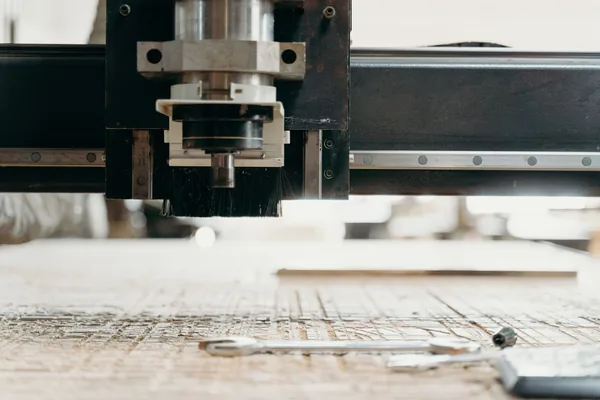
FANUC's own products – CNC controls, servo and spindle amplifiers, motors and robots – are a separate line from GE Fanuc PLCs, even though machine shops often use both names. Fanuc part numbers start with a letter-and-digit group that points to the product type:
A02B– CNC control units and related assemblies;A06B– servo and spindle motors, amplifiers and power supplies (for example A06B parts);A16BandA20B– printed circuit boards;A860– pulse coders (encoders) and other components.
Boards and amplifiers often carry an edition or version code in addition to the main number. Match the main number first, then compare editions: different editions usually interchange, but not always, and some boards carry their own software. For amplifiers, note the family (such as alpha, alpha i or beta i) and the full number from the nameplate, not just the physical size. For the motors, see how to read a servo motor nameplate.
Back up the control before anything else
A Fanuc CNC keeps its parameters, compensation data, PMC ladder and part programs in battery-backed memory. Back them up to a memory card on a schedule. On machines with absolute pulse coders, a separate battery keeps the axis positions; if it runs flat while the machine is off, the positions are lost and the axes must be referenced again. Follow the maintenance manual's battery-replacement procedure exactly.
Safety first: CNC controls, servo amplifiers and drives store dangerous energy in their DC bus capacitors after power is removed. Work on them only if you are qualified, following your site's lockout/tagout procedure and the manufacturer's instructions; wait for the charge to dissipate and verify zero voltage before touching anything.
Where surplus fits
For discontinued parts from all three brands, the usual sources are in-stock surplus, used units removed from working equipment, repair of the failed unit, and whatever the manufacturer still offers in repair or exchange service for older products. Run them in parallel. When you evaluate a surplus unit:
- confirm the full number, suffix and version from a photo of the label – every item we stock is photographed;
- ask where it came from and whether it was removed from working equipment;
- if a seller says a unit was tested, ask how: powered up on a bench, or run in a system under load;
- check the return terms, since no manufacturer warranty applies to surplus – see our guide to part conditions.
Search our 270,000+ parts in stock across 45,000+ listings by part number, request a quote for one obsolete part, or send a whole list of Siemens, GE and Fanuc numbers as an ISO list or RFQ. With a sourcing network of 5M+ parts behind our own stock, you get one official written quote in under 24 hours on business days.
Line down after hours or on a weekend? Call 469-316-8517 and we'll tell you the cost of sending someone in to ship your part – subject to availability, no fixed price.
Frequently asked questions
What does 6ES7 mean at the start of a Siemens part number?
It marks a SIMATIC S7 automation product; 6ES5 marks the older SIMATIC S5 range. The digits that follow narrow it down to the family and the exact module, so always copy the whole order number.
Is GE Fanuc the same company as Fanuc?
No. GE Fanuc Automation was a joint venture between GE and FANUC that made PLCs such as the Series 90-30. FANUC itself makes CNC controls, servo motors, amplifiers and robots. The former GE PLC line is now part of Emerson.
What replaced the GE Fanuc Series 90-30?
The maker's migration path is the PACSystems RX3i, which can use many Series 90-30 I/O modules. Check the compatibility of each module before planning to reuse it.
Can a Siemens S7 CPU with newer firmware replace one with older firmware?
Often yes – a newer firmware version can usually run a project configured for an older one – but check Siemens' compatibility notes. A CPU with older firmware than the project is configured for may not accept the configuration.