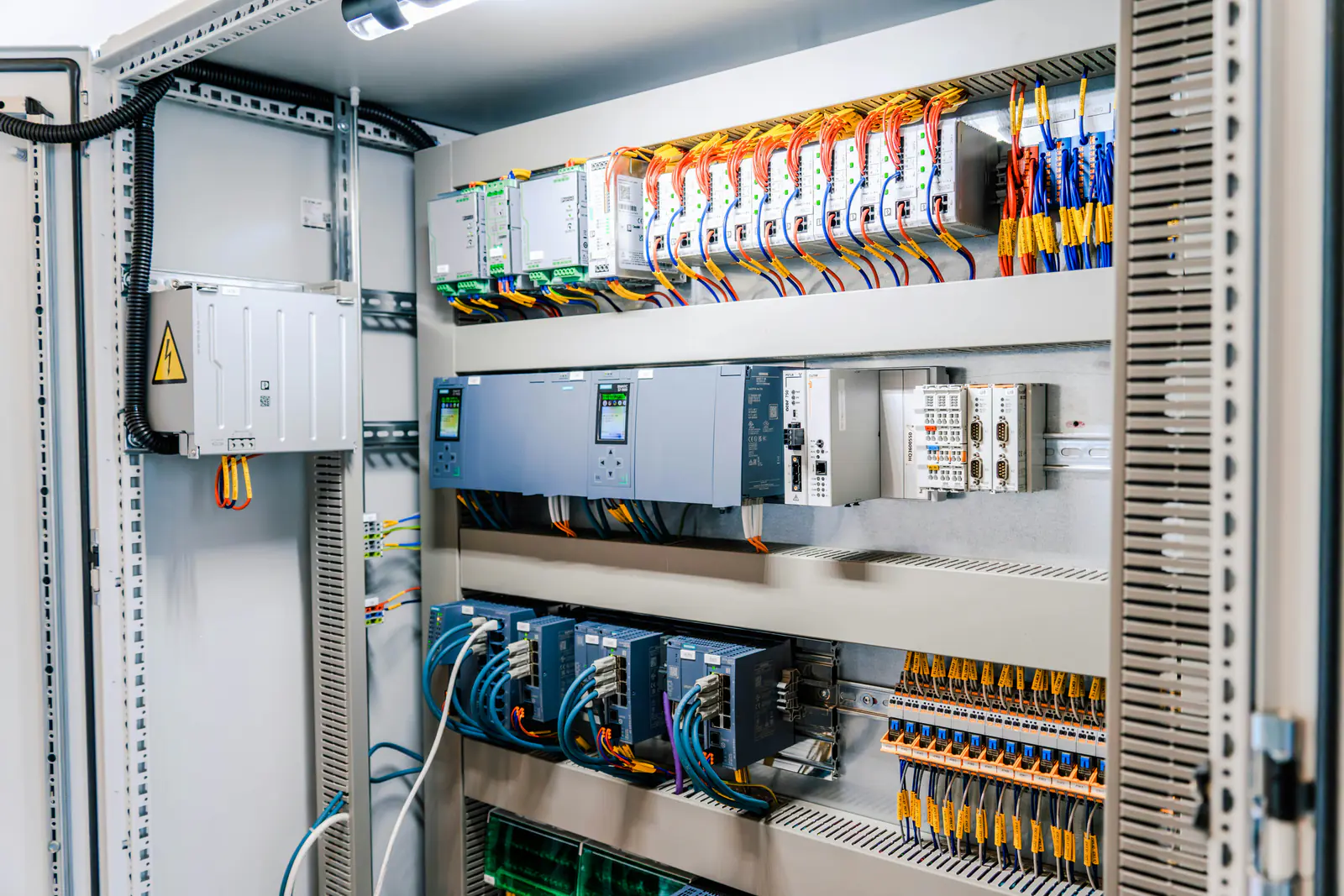
The short answer
On a MicroLogix, a flashing red FAULT LED is an application fault: the controller hit a major error, stopped the program and wrote a hex code to status word S:6. A solid red FAULT LED means the controller hardware faulted: cycle power and check the wiring, and contact Rockwell Automation if it stays on. RUN, FORCE and FAULT all flashing together means the operating system is missing or corrupt.
This covers Allen-Bradley MicroLogix 1000 (1761), 1100 (1763), 1200 (1762), 1400 (1766) and 1500 (1764) controllers, programmed in Rockwell Automation RSLogix 500 or RSLogix Micro.
Key takeaways
- Flashing: read the code in S:6. Solid: hardware. RUN, FORCE and FAULT flashing: the operating system.
- On the 1100 and 1400 the LCD shows the code under Main Menu, Advanced Set, Fault Code.
- Find and fix the cause before you clear S:1/13 and put the controller back in Run.
What the FAULT LED is telling you
| FAULT LED | What it means (our words) | First step |
|---|---|---|
| Off | No fault detected. | – |
| All LEDs off | No input power, or the power supply is overloaded. | Check the connections with power locked out; checking the line voltage is live work for a qualified person. |
| Flashing red | Application fault – on the 1500, a faulted user program. | Read the code in S:6. |
| Solid red | Controller hardware fault – on the 1500, a processor hardware or critical fault. | Cycle power; check the wiring connections. |
| RUN, FORCE, FAULT all flashing | Operating system missing or corrupt (1100, 1200, 1400, 1500). | Load the operating system with ControlFLASH – it deletes the user program. |
The MicroLogix 1000 manual shows the same split as LED patterns: a hardware fault (processor memory error: cycle power, check the wiring) and an application fault (read S:6). On the 1500 a separate BATTERY LOW LED turns steady red when the battery needs replacing – that is not the FAULT LED.
Find the fault code
- From a laptop: go online in RSLogix 500 or RSLogix Micro and read status word
S:6in the status file. The code is hexadecimal. - On a MicroLogix 1100 or 1400: on the LCD, go to Main Menu, Advanced Set, Fault Code.
0000hmeans no fault. The screen doesn't open by itself; only the FAULT LED flashes. - Codes
FF00–FF0Fare the range Rockwell recommends for faults a program declares itself, so they come from your own logic.
Common MicroLogix fault codes
| Code (hex) | What it means (our words) |
|---|---|
0001 | NVRAM error: the default program was loaded, for example after power was lost during a download or memory module transfer. |
0002 | Unexpected reset from electrical noise or an internal hardware failure. |
0003 | The program in the memory module is corrupt. |
0008 / 0009 | Fatal internal software or hardware error: cycle power, reload the program, check grounding. |
000A | The operating system is missing or corrupt. |
0016 | Startup protection: the fault routine ran at power-up (S:1/9) and didn't clear S:1/13. |
0017 | The controller and memory module programs don't match while S:2/9 requires it. |
0018 / 001A | The program doesn't suit the controller's operating system. |
0020 | A minor error bit (bits 0–7 of S:5) was set at the end of the scan. |
0022 | The scan took longer than the watchdog time in S:3H. |
0050–0052 | The controller type, base type or minimum series in the program doesn't match the hardware. |
xx71 | The controller can't communicate with expansion I/O module xx. |
xx79 / xx89 | Expansion I/O module xx reported an error of its own; see the I/O status file. |
xx87 | The expansion I/O configured in the program doesn't match what is fitted. Correct the program, or change the modules with the power off. |
On the 1500, 0021 means the expansion I/O bank has no power. When that power returns, the controller clears the fault and goes back to RUN by itself – expect the machine to start. 0070 or 0080 there means the terminator on the last expansion module was removed.
How to recover and get back to RUN
- Record it: the code, the LED states and what the machine was doing.
- Fix the cause: correct the logic, the I/O configuration or the module; for
0001, download or transfer the program again and check the battery is connected on a 1400 or 1500. - Make the machine safe with the people who run it: going back to Run restarts the program.
- Clear it: in the status file, clear the major error halted bit
S:1/13, then put the controller into Run. - Hardware or operating system: a solid FAULT that survives a power cycle needs Rockwell Automation's support; a missing operating system needs ControlFLASH, which deletes the user program – have a saved copy of the program ready.
Mode switch: the 1100 and 1400 have theirs on the LCD (PROGRAM, REMOTE, RUN); software can change modes only in REMOTE. Holding ESC for 5 seconds at power-up forces PROG, so a faulting program doesn't start; holding OK forces RUN – only when the machine is safe to start. On the 1500, an expansion power fault normally clears itself and the controller returns to RUN when that power is back; only if the fault stays with the power OK, turn the mode switch to PROGRAM and back to RUN.
Fault routine: Rockwell classes each code as recoverable, non-recoverable or non-user. A user fault routine – the file named in S:29, or on the 1000 always file 3 (its S:25–S:29 are reserved) – runs for user faults only; for a recoverable one it can fix the problem and clear S:1/13, and the controller carries on. It never runs for non-user faults such as 0001 or 0050.
Automatic clearing: setting S2:1/8 (fault override at power-up) and S2:1/12 (mode behavior) makes the controller clear faults and go to RUN on every power cycle; the fault returns if its cause is still there. On the 1000, Rockwell warns that its Run Always bit sends the controller straight into REM Run.
Safety first: work inside a control cabinet only as a qualified person, under your site's lockout/tagout procedure, and follow Rockwell Automation's procedure for the controller. Never force outputs, jumper interlocks or bypass a safety circuit to get a machine running after a fault.
When the fault keeps coming back: what to collect
- The fault code and LED states each time, with date and time, and what the machine was doing.
- The controller catalog number, series and operating system revision.
- The expansion I/O modules fitted, in order, and whether a memory module is in place.
- A current copy of the program and the software version it was saved with.
Recurring faults usually need the program looked at; our engineering team does PLC programming and changes. Planning a replacement? See MicroLogix lifecycle status and the PLC battery guide.
Parts that commonly fail
Controllers, expansion I/O, interfaces, batteries and memory modules are the hardware behind many of these faults. The part numbers we have the most of in stock right now:
MicroLogix controllers
Stock changes every day. Every listing is photographed, so check the catalog number, series or product version and firmware on the label photo before you buy.
Not listed, or need several? Send us the part number and we'll check our shelves and our sourcing network and quote it in writing.
Sources
Every code, LED state and menu path on this page was checked against Rockwell Automation's own documents, listed below, and is described here in our own words. Manuals change between editions and firmware revisions: for your exact catalog or order number, check the current edition.
- Rockwell Automation, MicroLogix 1000 Programmable Controllers User Manual, publication 1761-UM003B-EN-P, June 2015.
- Rockwell Automation, MicroLogix 1100 Programmable Controllers User Manual, publication 1763-UM001G-EN-P, May 2024.
- Rockwell Automation, MicroLogix 1200 Programmable Controllers User Manual, publication 1762-UM001I-EN-P, May 2024.
- Rockwell Automation, MicroLogix 1400 Programmable Controllers User Manual, publication 1766-UM001P-EN-P, March 2024.
- Rockwell Automation, MicroLogix 1500 Programmable Controllers User Manual, publication 1764-UM001D-EN-P, May 2024.
- Rockwell Automation, MicroLogix 1100 Instruction Set Reference Manual, publication 1763-RM001D-EN-P, September 2011.
- Rockwell Automation, MicroLogix 1200 and MicroLogix 1500 Instruction Set Reference Manual, publication 1762-RM001H-EN-P, July 2014.
- Rockwell Automation, MicroLogix 1400 Programmable Controllers Reference Manual, publication 1766-RM001J-EN-P, June 2023.
Frequently asked questions
What does a flashing red FAULT LED mean on a MicroLogix?
On the MicroLogix 1100, 1200 and 1400 it is an application fault: the controller detected a major error in the program or the system and stopped. The MicroLogix 1500 manual calls it a faulted user program. Read the hexadecimal code in status word S:6 to see which one.
What does a solid red FAULT LED mean?
A controller hardware fault (on the 1500: a processor hardware or critical fault). Rockwell's first steps are to cycle power and check the wiring connections to the controller; if it stays solid red, contact Rockwell Automation.
How do I see the fault code on a MicroLogix 1100 or 1400 without a laptop?
Use the LCD: Main Menu, Advanced Set, Fault Code. It shows 0000h with no fault, otherwise the code. The screen doesn't open by itself when the controller faults; only the FAULT LED flashes.
Why are the RUN, FORCE and FAULT LEDs all flashing?
The operating system is missing or corrupt, for example after an operating system download that didn't finish. Rockwell's fix is to download the operating system again with ControlFLASH. That deletes the user program, so have a saved copy of the program ready.